Add a song to your library
Start a new song with its title and key, write or paste its chart, and fill in the copyright and CCLI number.
To add a song, open , press , give it a title and a key, and press . The chart editor opens next, so you can write the chords and words right away. If you already have the chart as a file, a PDF, or a photo, importing it is quicker.
Start the song
- In , press .
- Type the . If a song with the same title or CCLI number is already in your library, PraisePad says so, with a link to open it.
- Choose the : the key the chart is written in.
- Add and the if you have them. Both are optional.
- If you have a ChordPro chart, paste it into . You can also leave it empty and write it in the editor.
- Press .
The song starts with one arrangement, and the chart editor opens on it. See write a chart for how the editor works.
Copyright, CCLI, themes, and tags
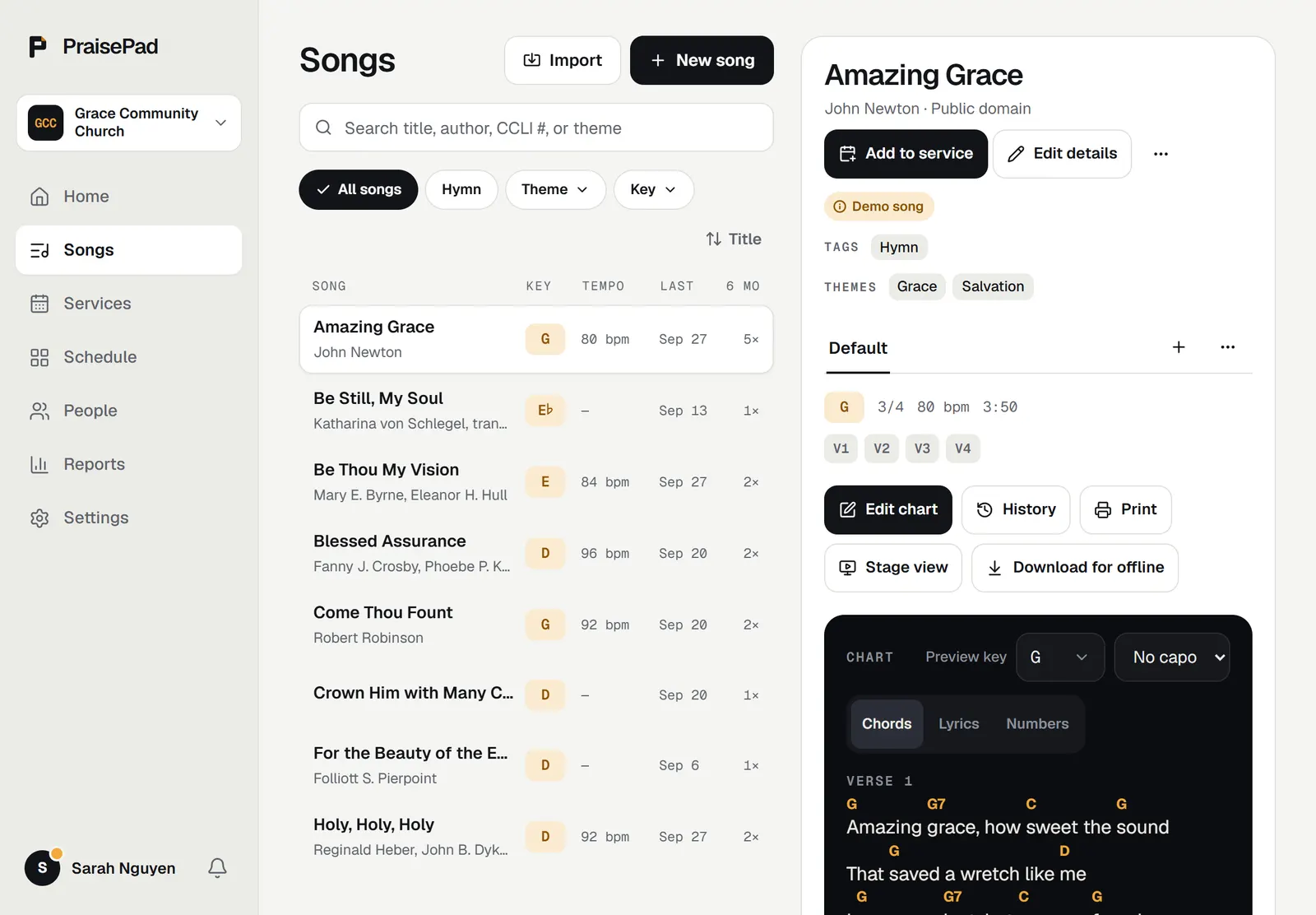
On the song's page, press to fill in the rest:
- is printed at the bottom of every chart.
- is the number from the song's SongSelect page, digits only.
- and are words separated by commas. Tags become filters in the library.
- are for the team, like who sings it or where it fits in a service.
Press . The changes show for the whole team, on every arrangement.
Every chart shows the copyright line, the song's CCLI number, and your church's CCLI license number at the bottom. An admin adds the church's in .
Another way to play it
A song can have more than one arrangement, like an acoustic version in a lower key. On the song's page, press + beside the arrangement tabs, then name it, pick its key, and press .