Song slides that come out clean
Present tidies a chart for the screen, checks the rest with AI, and remembers your changes for next time.
A chart is written for the band, and Present makes it fit for the screen. Bar marks like ||: | | :||, notes like (To Bridge 1a), pass marks like (1.), and chords left in brackets come off every time a song's slides are made, and a word split for the singers (Je - sus) is joined back up.
What was cleaned
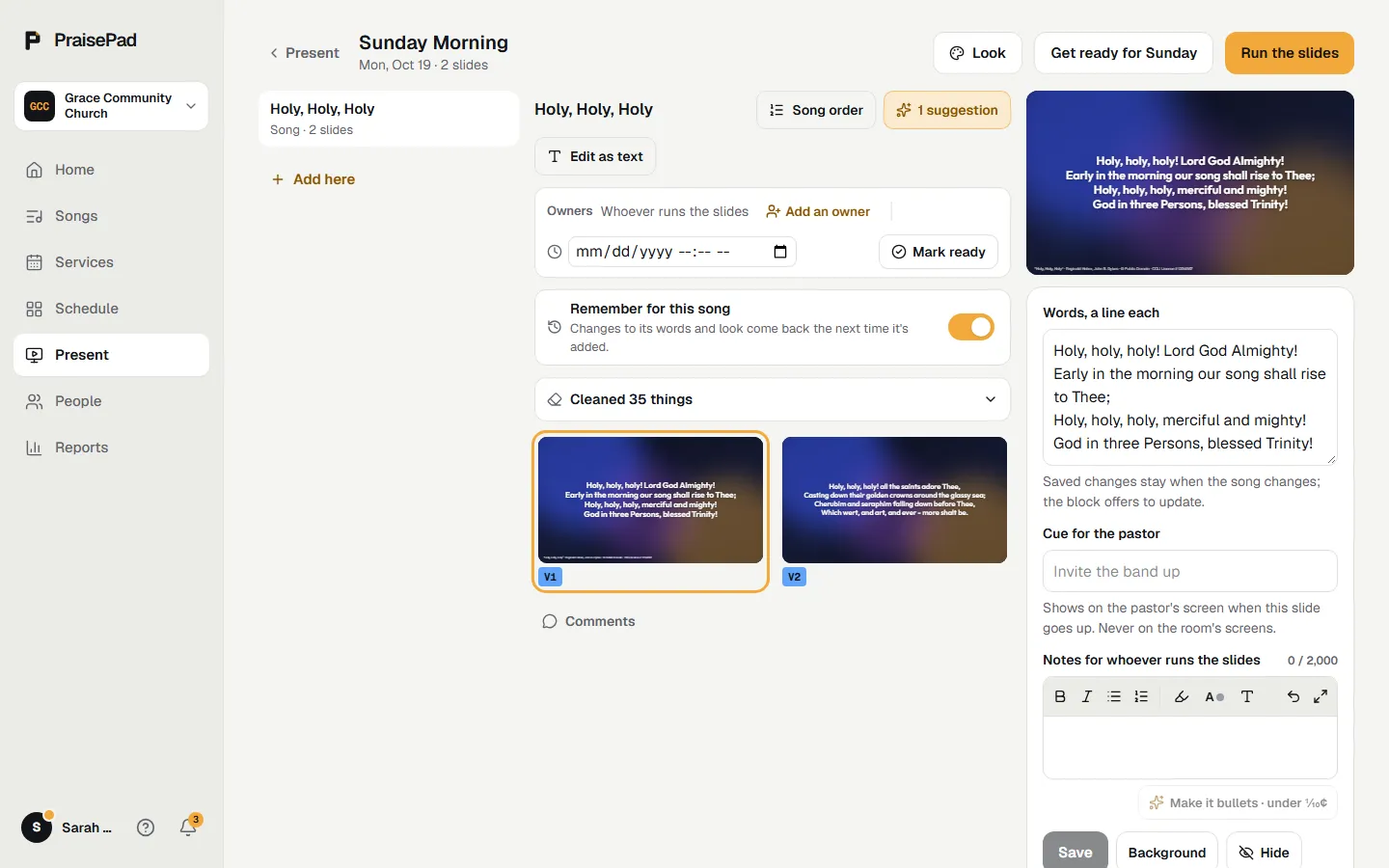
Under a song in Present, a line like "Cleaned 7 things" lists what came off, by kind. Press on one to show it as the chart has it; takes it off again. A dash between two whole words, like Wonderful - Counselor, is never joined by itself.
Clean up with AI
Some splits can't be told apart by rules (ever - more). The first time a song is added, the AI reads its slides and leaves suggestions on the song: runs it again by hand. Open the suggestions to see what each would take away, then , , or each one, or . The AI only takes things away and joins split words: it never writes or changes words. To stop the first-time check, turn off in Present's settings.
The song remembers
is on unless you turn it off. Change a song's words, accept a suggestion, or pick its look, and the next time the song is added its slides start that way, with at the top. goes back to the chart's words. If the chart's words for a part changed since, that part uses the chart and says so.
The song's order
on a song in Present opens the order builder: drag the parts, hide one to keep it in the order without showing it, and save it for this service (the button names its date) or, with , . The slides follow. See writing a chart for the builder.
Open in PraisePad to try it