Make a PDF chart fill the screen on stage
Checked Oct 3, 20262 minutes to read
A PDF fills the stage by itself, margins trimmed. Held sideways, it shows half a page at a time, bigger.
On stage, a PDF chart fills the screen by itself: PraisePad trims the white margins around the music and makes the page as big as the screen allows. On a tablet held sideways, it shows half a page at a time, bigger: the top half, then the bottom. To see whole pages, tap under the song's title.
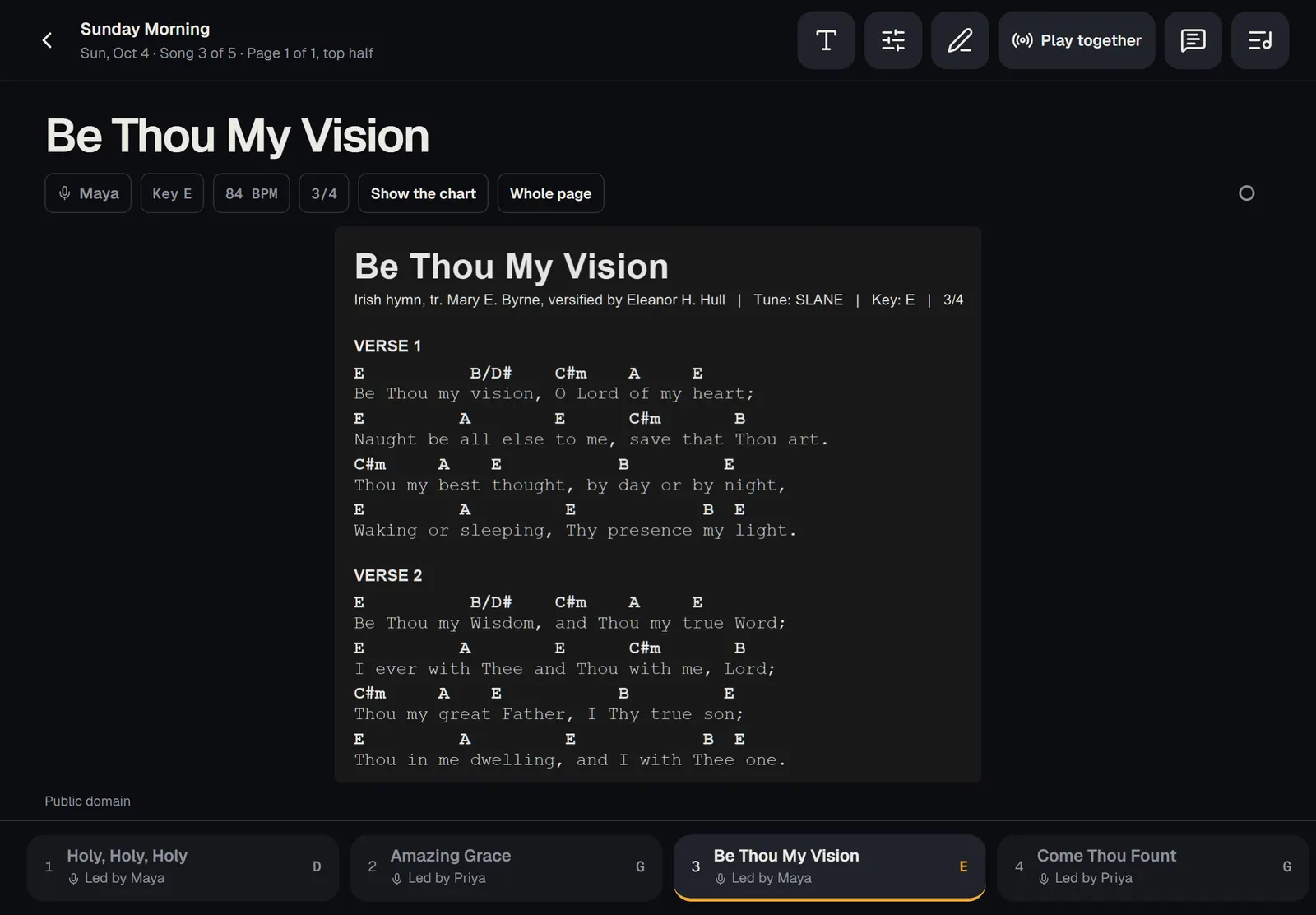
Half pages and whole pages
- Upright, a PDF shows one whole page at a time, as big as the screen allows.
- Sideways, it shows half a page at a time. The page splits in the space between two lines, never through one. A page turn (a swipe, a tap near the edge, or a pedal) goes to the bottom half, then on to the next page.
- Tap to see whole pages instead. On a wide screen, two pages sit side by side when they fit as big as one. Tap to go back.
- On a phone, hold it upright: the page fills the width.
Your choice is kept for every PDF, on all your devices. It's also in the display options: tap the T button and find . shows whole pages upright and half pages sideways, or choose or .
Good to know
- and are for typed charts. A PDF sizes itself.
- When a song has a typed chart too, tap to switch. PraisePad remembers it for that song next time.
- Your notes and drawings on a PDF stay where you put them, and a note in a margin keeps that margin on screen. See notes on PDFs.
- When you play together, everyone following goes to the same page as the leader, however their screen shows it.
Did this help?One tap. It tells us what to make clearer.